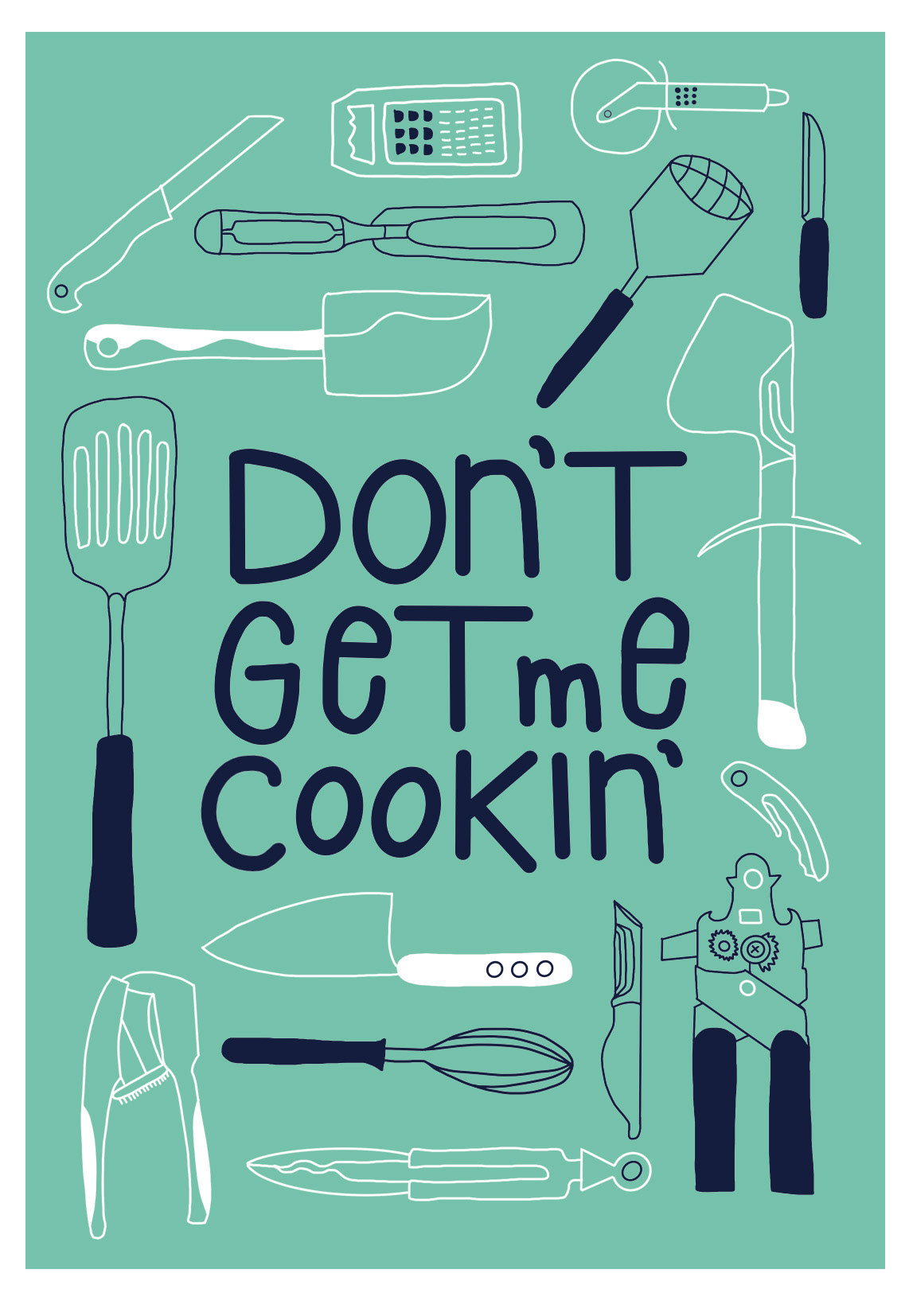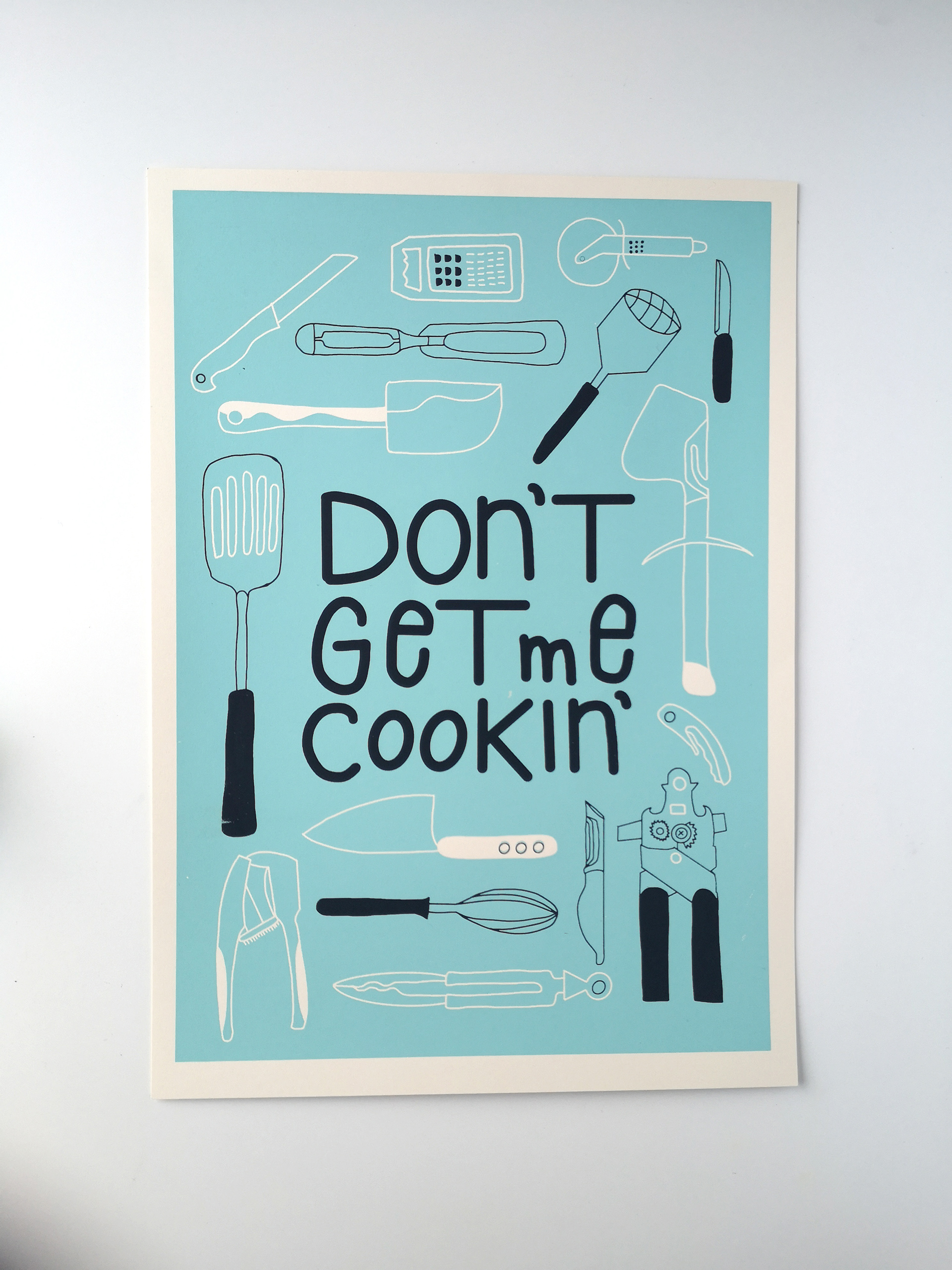
I desperately needed some art for my kitchen. So it came very handy that I have planned to participate in a screenprinting workshop, where I could print my design.
I started with some scribbles of kitchen utensils and a lettering idea on an A4 sheet , which I liked so much, that I sticked to it until the end.
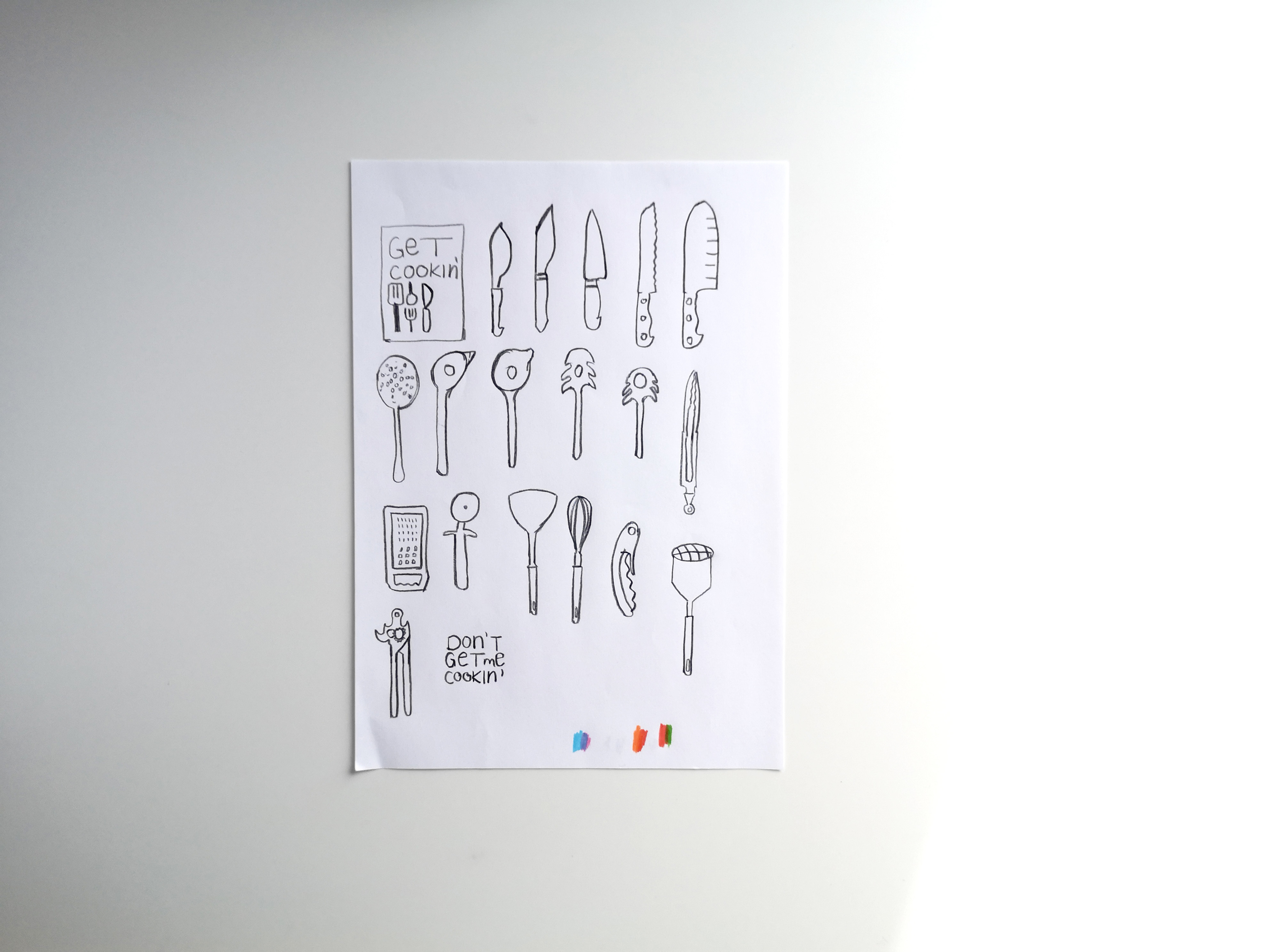
First Rough Ideas
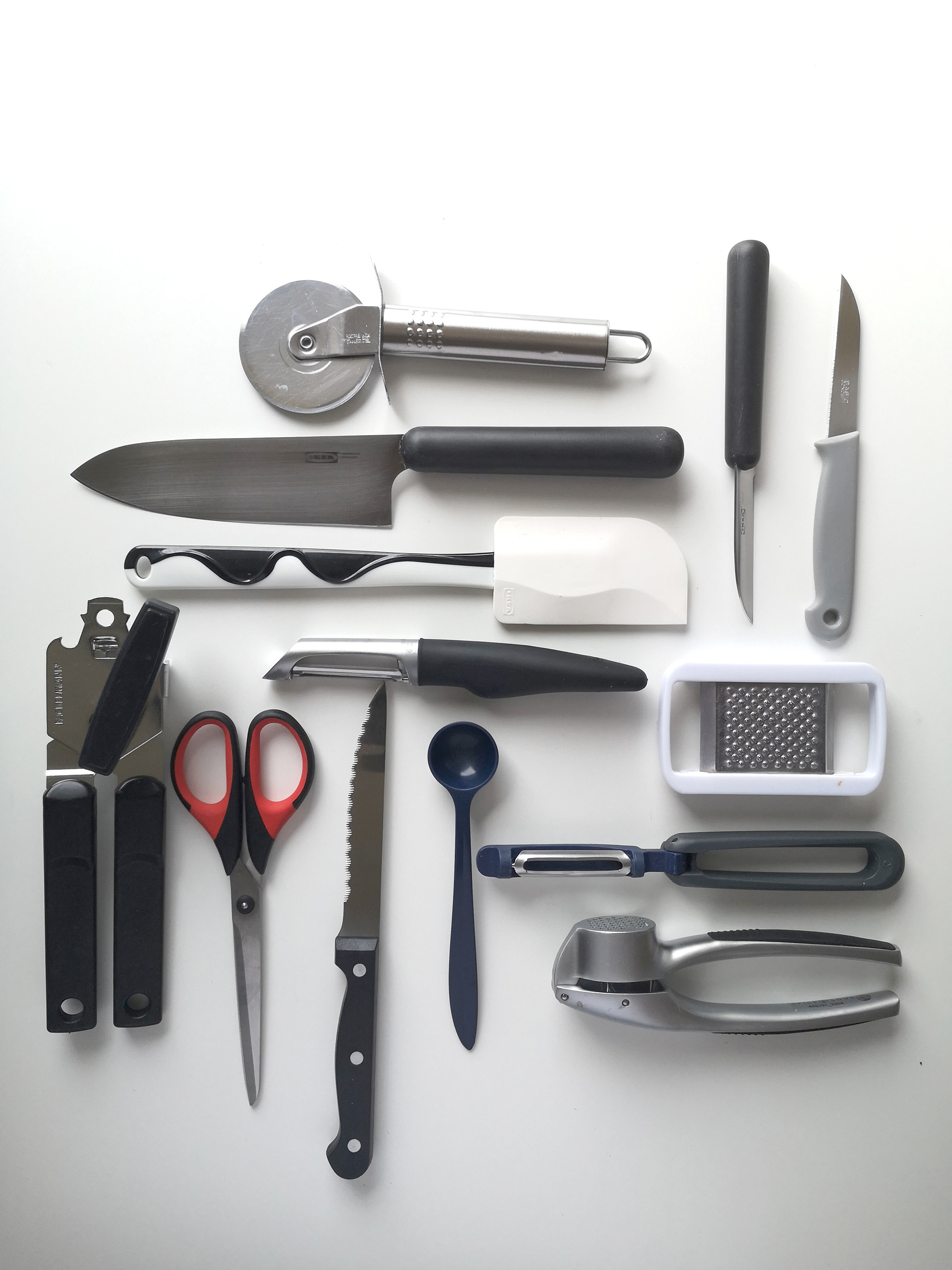
Gathering my kitchen stuff
After I have gathered some of my kitchen utensils I layed them on a table and placed them in different positions. I did some clean sketches, scanned them and brought them into Adobe Illustrator. For scaling purposes I wanted vector illustrations, but I was not satisfied with the image tracing result, as the line thickness varied from illustration to illustration.
Eventhough I played around with the different settings, I couldn't get to a satisfying stage. So I started all over again. Grabbed my iPad, arranged the utensils and drew all the shapes in Procreate. I know, no vectors, but at this stage I didn't have to do scaling anymore as my final sizes for the illustrations where already decided on.
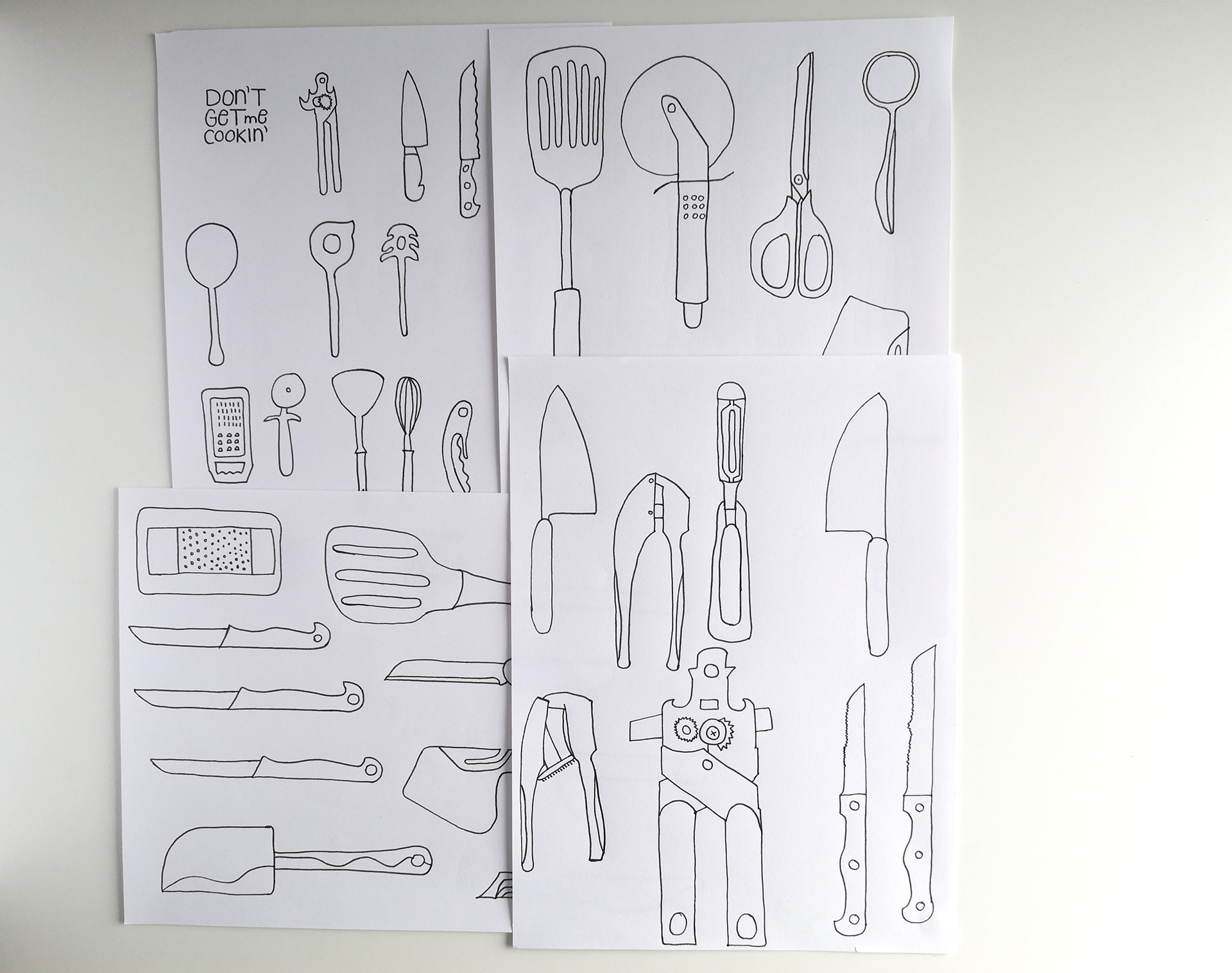
Clean drawings on paper
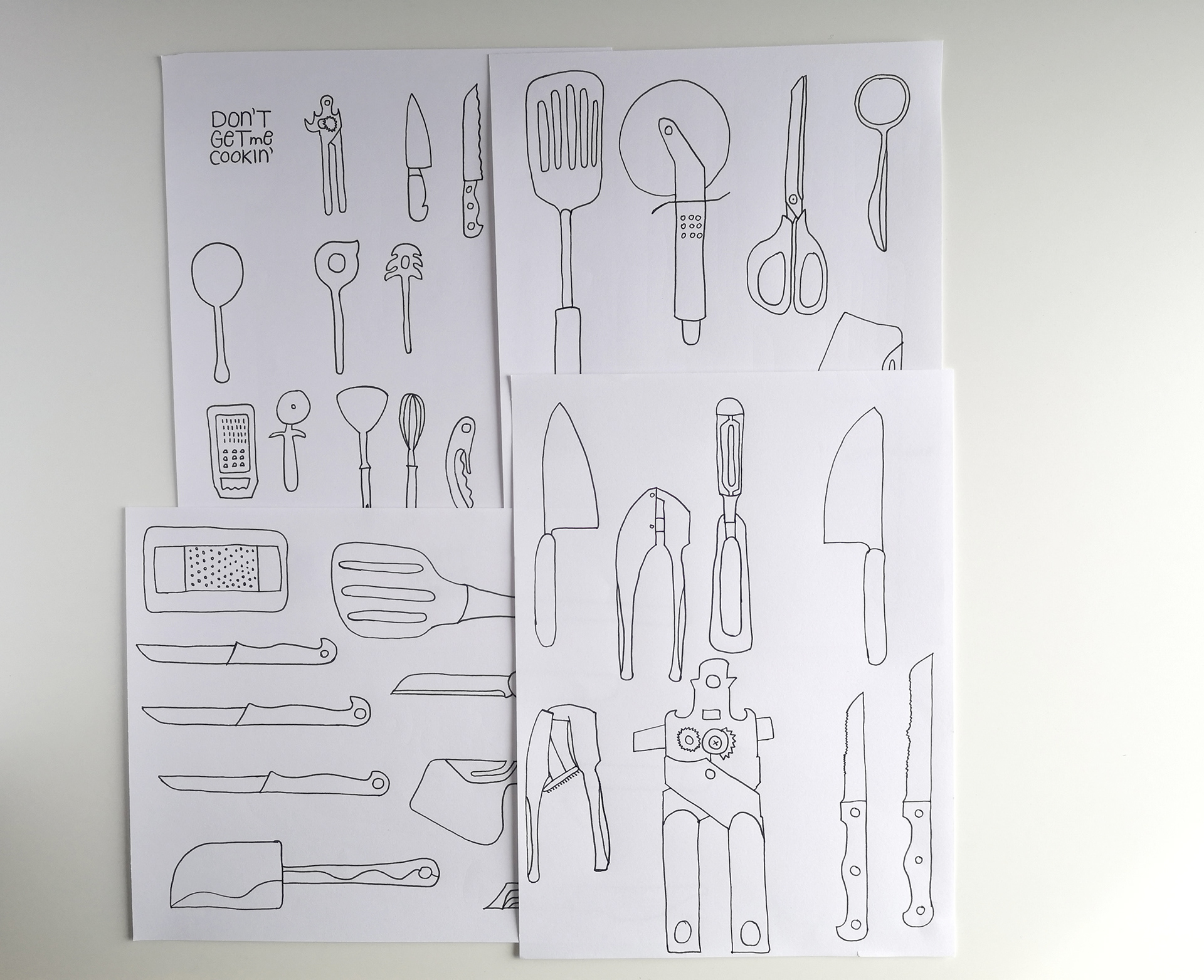
Clean drawings on paper
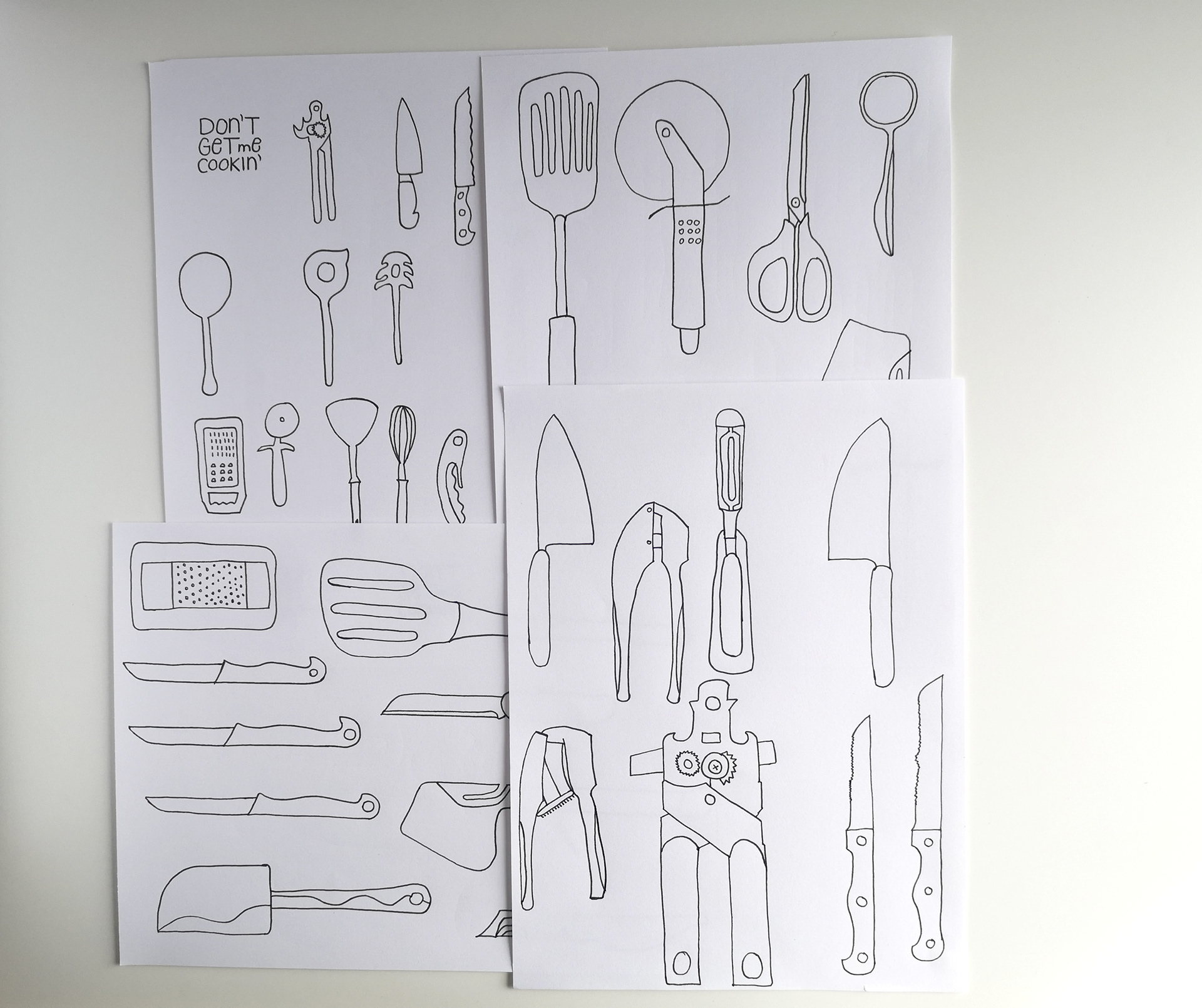
Clean drawings on paper
When I finished the design in black and white I started to think about colour combinations. As the workshop assignment was to only use 2 colours, there was already a restriction, which was good, as I very much struggle with colour sometimes. (Why can't it all be in black and white :)?!)
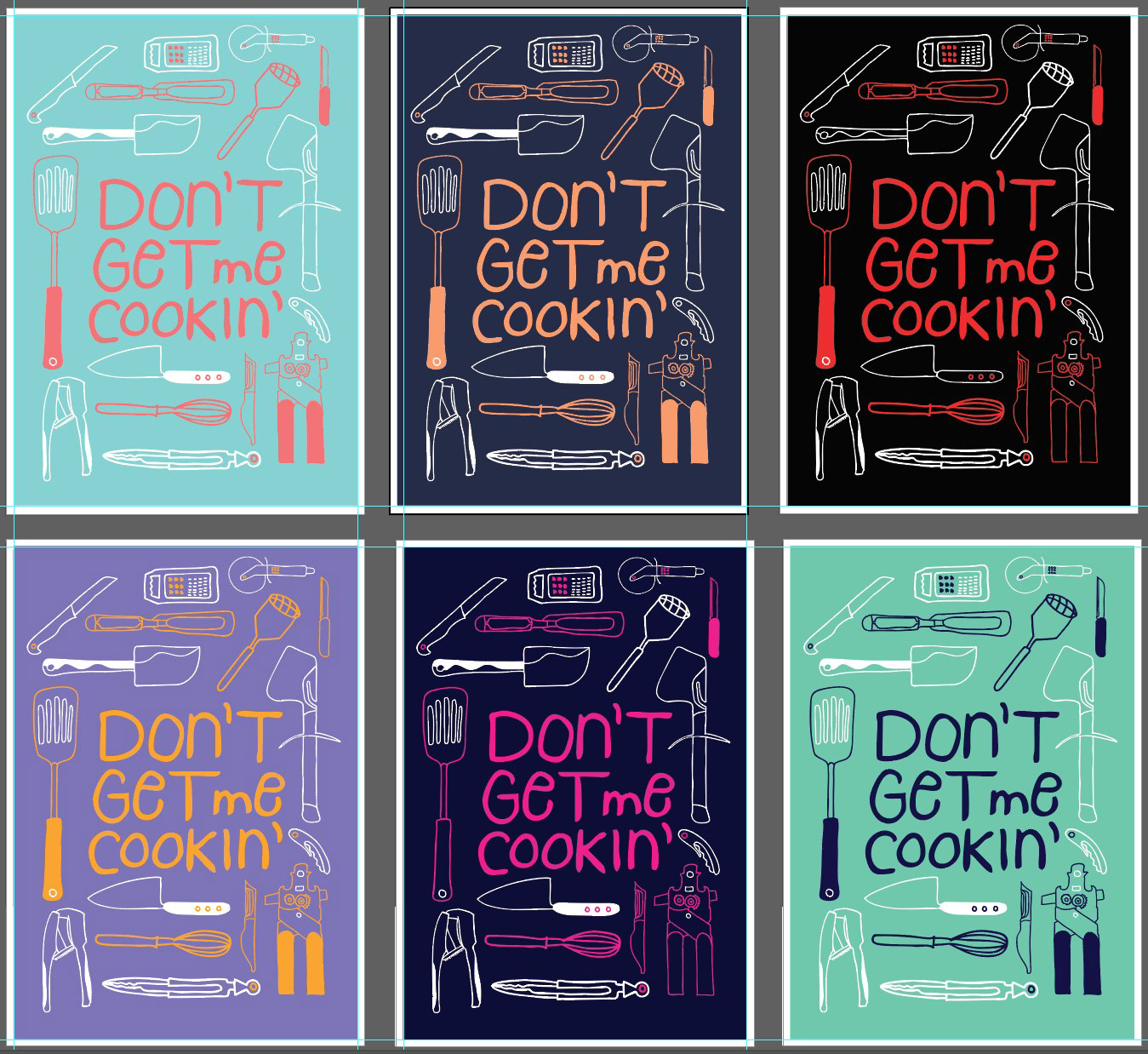
So this was the final design I choose and very much pleased with the result. On the right side you see the screenprint outcome. Didn't get the color right, but like it anyways. Maybe soon you can buy this in my online shop. So keep posted.
Thanks for reading :)